Open Source
Star on GitHub

Claude Deck

Visual configuration and live session control for Claude Code and Codex CLI

Claude Deck gives you a visual control panel for local coding agents: manage Claude Code and Codex CLI configuration, inspect Claude usage and transcripts, and use Agent Bridge to monitor and interact with live tmux sessions from the browser.

Local-only No account No telemetry Works with real Claude Code and Codex files
Scroll

Visual configuration for Claude Code and Codex CLI instead of juggling command-line edits and scattered settings

Track MCP servers, providers, usage, transcripts, commands, hooks, and more in one place

Agent Bridge brings live Claude Code and Codex tmux sessions into the browser

Important: Claude Deck works with your real local Claude Code and Codex CLI files

It is not a mock viewer. Changes made in the UI can change your actual local agent setup. Review changes carefully and create a backup before major edits. Claude Deck is local-only, with no account and no telemetry.

Who It’s For

Claude Deck is most useful if you want a visual layer over Claude Code and Codex CLI, especially if Agent Bridge matches how you actually work.

Visual configuration over CLI friction

When you’d rather inspect and change setup in a UI than bounce through commands, flags, and scattered config surfaces.

Agent Bridge users

When Claude Code or Codex already lives in tmux and you want live browser access to monitor and interact with sessions.

Usage and transcript visibility

When you want provider status, Claude cost tracking, session history, and a clearer operational view around local agents.

Power users with moving parts

When MCP servers, commands, hooks, agents, and sessions add up enough that a control panel starts making sense.

Why use Claude Deck instead of staying in the command line?

Most people are not hand-editing Claude Code JSON and Codex TOML files all day. The real comparison is visual control panel versus command-line-only workflow.

Claude Deck becomes useful when you want to configure Claude Code and Codex visually, understand what is active, inspect usage and transcripts, and use Agent Bridge to work with live tmux sessions from the browser.

Provider files stay the source of truth Claude Deck works with your existing Claude Code and Codex files and sessions rather than inventing a parallel system.
The UI adds control and visibility Visual management, Agent Bridge, testing, provider diagnostics, usage visibility, transcript browsing, and backups are the real value.

See It In Action

A visual interface for your Claude Code and Codex CLI setup.

Claude Deck Agent Bridge with multiple terminal sessions
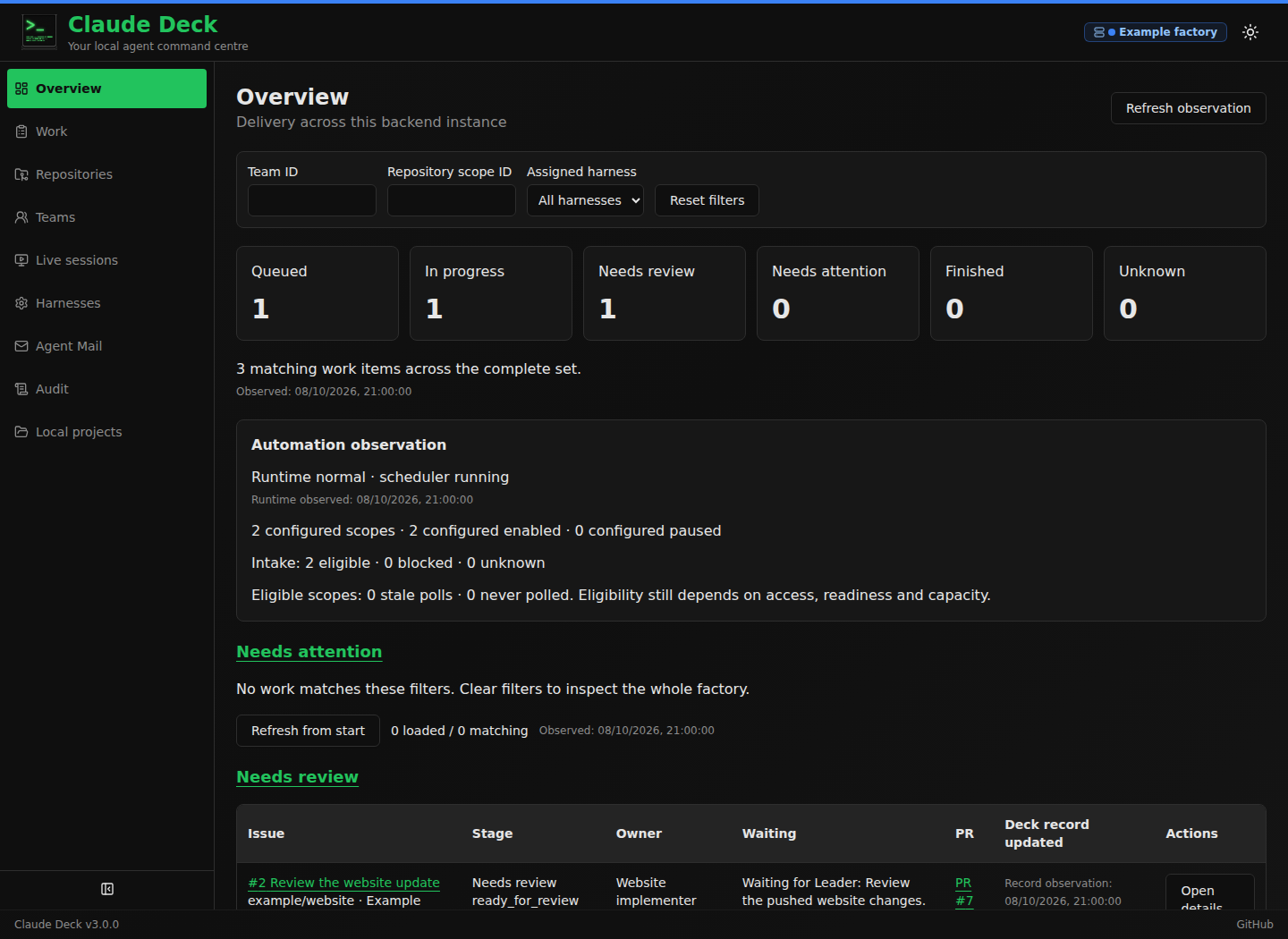
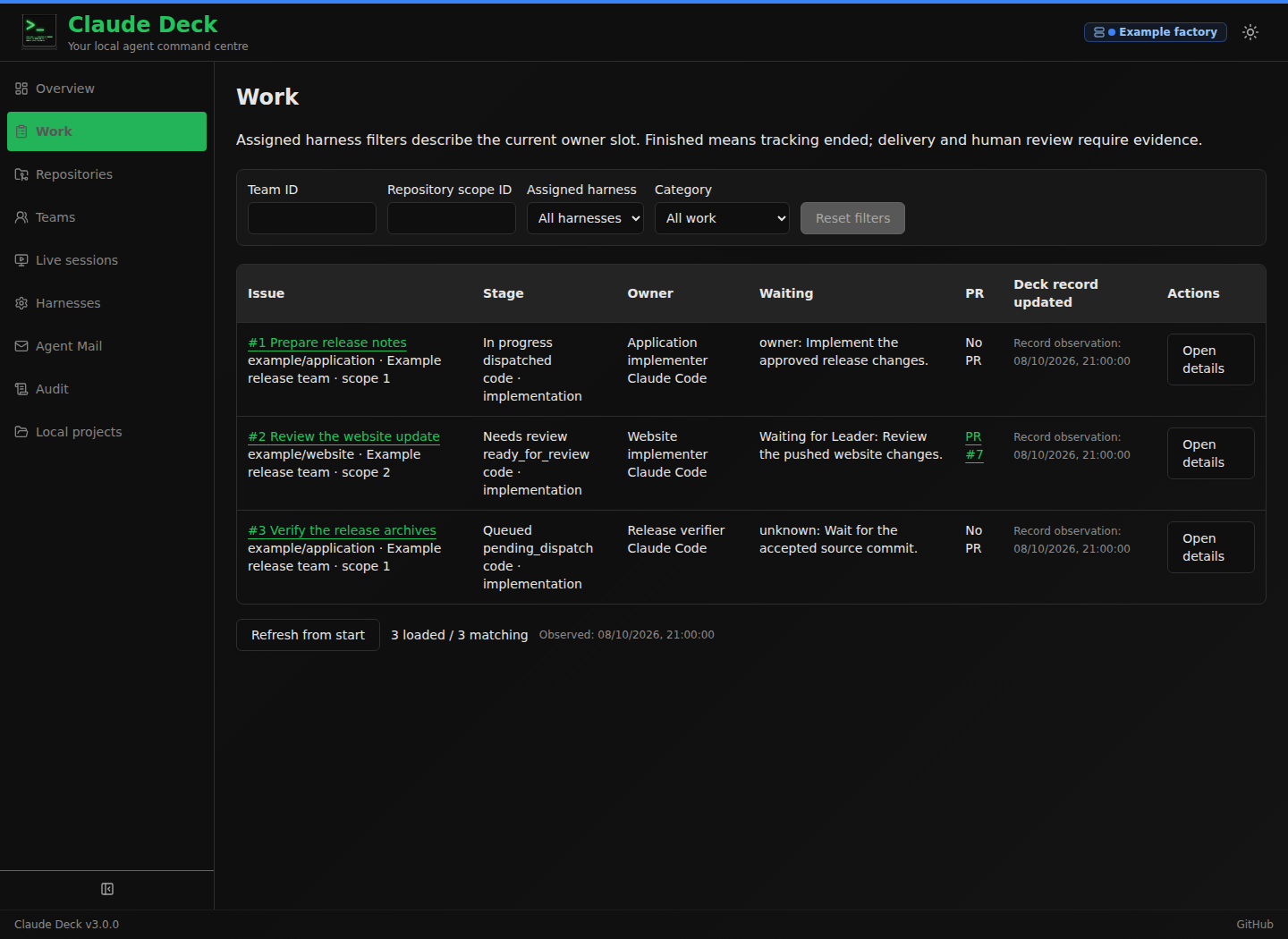
Claude Deck dashboard overview
MCP Servers management

Features

Everything you need to manage Claude Code and Codex CLI configuration in one place.

MCP Servers

Add, test, and manage MCP server connections with a visual interface.

Click to preview

Configuration

Visual editor for Claude Code settings and safe Codex TOML settings with merged and individual views.

Click to preview

Usage Analytics

Track tokens, costs, and billing with detailed charts and breakdowns.

Click to preview

Commands & Plugins

Browse, create, and manage slash commands and plugins visually.

Click to preview

Hooks & Permissions

Configure automation hooks and access control rules visually.

Click to preview

Session Transcripts

Browse conversation history with full message and tool use details.

Click to preview

Plus agents, skills, memory, output styles, status line, backup & restore, and more.

Get Started

Clone the repository and start the development servers.

terminal
# Clone and install
$ git clone https://github.com/adrirubio/claude-deck
$ cd claude-deck
$ ./scripts/install.sh
# Start both servers
$ ./scripts/dev.sh
Open http://localhost:5173 in your browser

Built With

FastAPI React TypeScript SQLite shadcn/ui Tailwind CSS

Built by Adrian (13) and Juan as a Christmas break learning project.

Screenshot