Open Source

Claude Deck

The Control Panel for Claude Code

Manage MCP servers, configurations, commands, plugins, hooks, and permissions through a visual interface.

Visual config editor for Claude Code

Manage MCP servers, commands, plugins & more

Self-hosted, full privacy

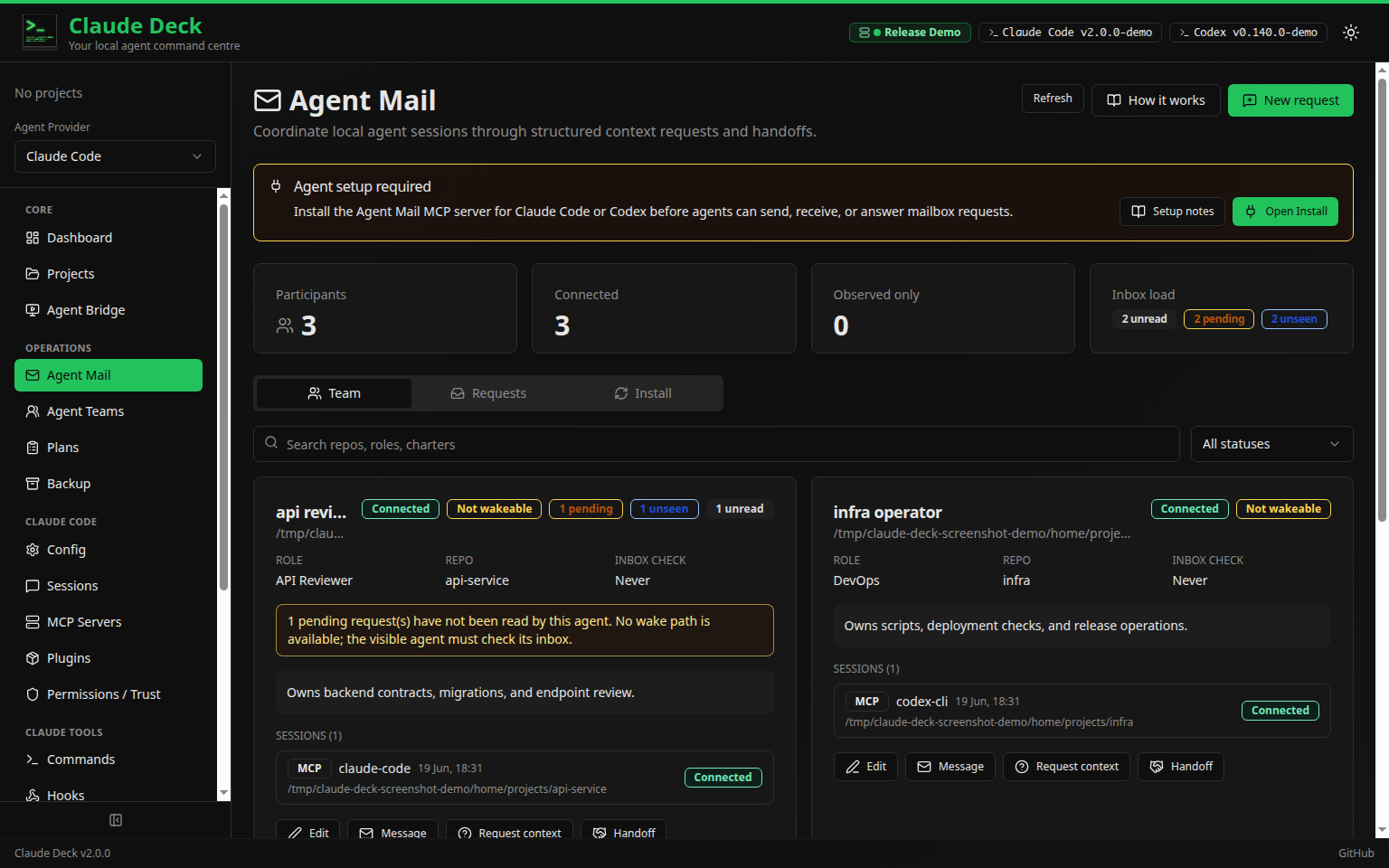
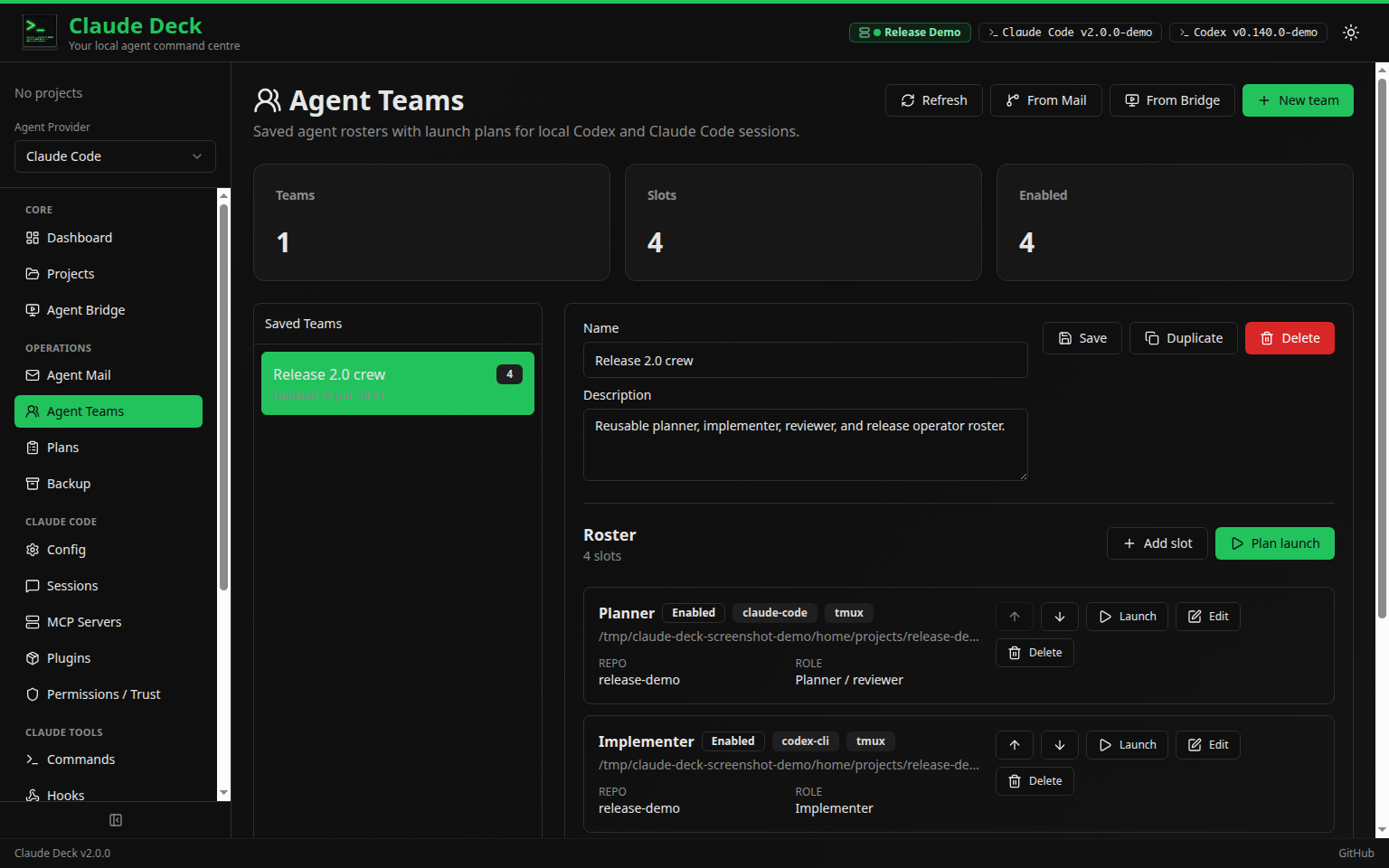
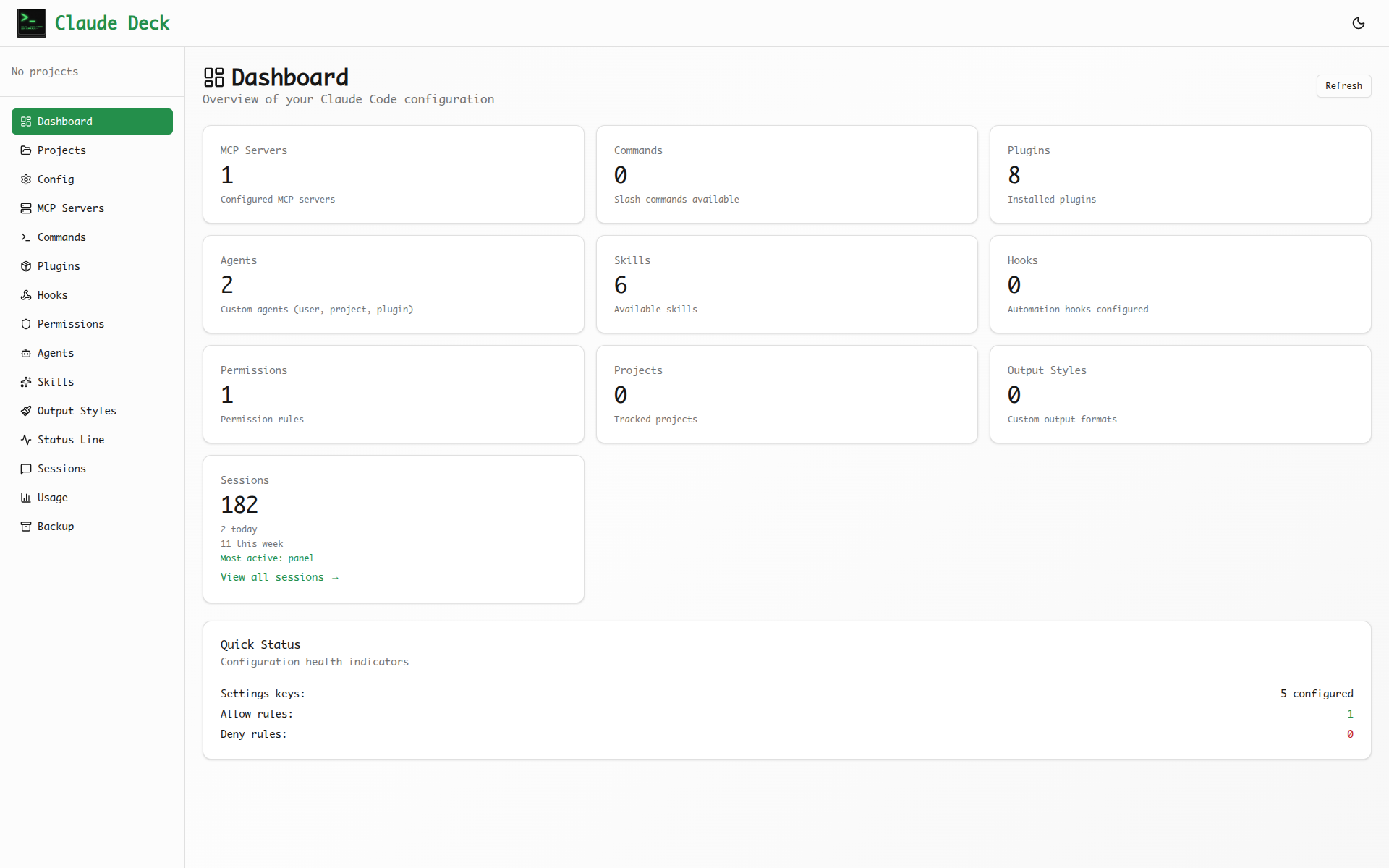
See It In Action

A visual interface for all your Claude Code configurations.

Claude Deck Dashboard
MCP Server Management
Usage Analytics

Features

Everything you need to manage Claude Code configurations in one place.

MCP Servers

Add, test, and manage MCP server connections with a visual interface.

Configuration

Visual editor for all Claude Code settings with merged and individual views.

Usage Analytics

Track tokens, costs, and billing with detailed charts and breakdowns.

Commands & Plugins

Browse, create, and manage slash commands and plugins visually.

Hooks & Permissions

Configure automation hooks and access control rules visually.

Backup & Restore

Create and manage configuration backups as ZIP files.

Get Started

Clone the repository and start the development servers.

terminal
# Clone the repository
$ git clone https://github.com/adrirubio/claude-deck
$ cd claude-deck
# Start the backend
$ cd backend
$ pip install -r requirements.txt
$ uvicorn app.main:app --reload --port 8000
# In a new terminal, start the frontend
$ cd frontend
$ npm install
$ npm run dev
Open http://localhost:5173 in your browser

Built With

FastAPI React TypeScript SQLite shadcn/ui Tailwind CSS
Screenshot